Article Overview
Layer 3 management on a fiber optic switch involves enabling routing, assigning IP addresses to VLAN interfaces, and configuring default routes to allow network management and inter-VLAN communication.
Enable Layer 3 Functionality
Most switches operate as Layer 2 devices by default. To configure Layer 3 management, you must first enable routing on the switch. On Cisco devices, this can be done using the ip routing command in global configuration mode, which allows the switch to forward packets between VLANs and other network segments . For other vendors like Meraki or UniFi, Layer 3 routing is enabled through the switch's management interface or by setting the router option on a virtual network .
Configure VLAN Interfaces
Create VLAN interfaces (also called SVI – Switch Virtual Interfaces) for each subnet that requires Layer 3 management or inter-VLAN routing. Assign a unique IP address to each VLAN interface, ensuring it does not conflict with other subnets . For example, on a Cisco switch:
CodeCopyinterface vlan 10 ip address 192.168.10.1 255.255.255.0 no shutdown
Repeat for each VLAN that needs Layer 3 connectivity. On some switches, you can also create subinterfaces on a physical port to handle multiple VLANs with unique IP addresses .
Configure Default Routes
Set a default route pointing to the upstream router or gateway to allow the switch to reach external networks. For example:
CodeCopyip route 0.0.0.0 0.0.0.0 192.168.1.1
This ensures that management traffic can reach the Internet or other network segments .
Configure Trunk Ports
If the switch connects to other switches or routers, configure trunk ports to carry multiple VLANs. This allows inter-VLAN routing to function properly across the network:
CodeCopyinterface gigabitEthernet 1/1 switchport mode trunk switchport trunk allowed vlan 10,20,30
Ensure that connected devices, such as access switches or firewalls, are configured with matching VLANs to prevent mismatches .
Optional: DHCP and DNS
For management convenience, you can configure the switch as a DHCP server for client VLANs or relay DHCP requests to an upstream server. Assign DNS servers to the switch to resolve hostnames for management purposes .
Verification
After configuration, verify connectivity and routing:
show ip interface brief– confirms VLAN interfaces are up and have correct IP addresses.show ip route– displays the routing table and confirms default and static routes.- Ping between VLANs or to the gateway to ensure inter-VLAN routing works . By following these steps, your fiber optic switch will be fully configured for Layer 3 management, allowing both administrative access and inter-VLAN routing across your network.
Cisco Switch Selector
The series provides enterprise-class Layer 2 and 3 switching, is designed for DNA Center and SD-Access management and
Layer 3 fiber switch
Layer 3 switches combine the functionality of traditional Layer 2 switches operating at the data link layer (Ethernet switching) with the
Fiber Optic Network Managed Switches: Key to Next-Generation
Fiber optic networks have become indispensable to many different companies since controlled switches offer
Layer 3 Network Switches
Hardened, fiber fed switches, with Layer 3 capabilities, able to support four 10GE SFP ports and 24 RJ45 gigabit interfaces each
Layer 3 Network Switches
The GL5080 features Layer 3 switching capabilities and offers wire-speed switching across 16 ports.
RG-S5310-48SFP4XS-E, 48-Port GE Optical Layer 3 Managed
RG-UNC, a unified visual management platform, supports real-time monitoring of key devices and links, fine-grained alarms,
What is Layer 3 Switch and How Does it Works?
An introduction to Layer 3 switch and how it works within the network to further understand its benefits and capabilities.
L3-10XGF12: Layer 3 12-port 10G Managed Full Fiber Switch
With high switching capacity, the L3-10XGF12 support wire-speed L2/L3 forwarding and high routing performance for IPv4 and IPv6
Get reliable Layer 3 Switches from US stock with fast shipping
Product description The IXR-G4804X-AD is a very powerful Industrial Layer 3 routing switch from CTCUnion. Product has been
24-Port Layer 3 Stackable 10G Fiber Managed Switch
IEEE 802.1Qau (Congestion Notification) provides congestion management for data flows within network domains to avoid
Layer 3 Switches
Internet service providers (ISPs) use Layer 3 fiber switches to manage large-scale networks, optimize traffic routing, and deliver high
Layer 2 or 3? Choose the right switch for optimal
Learn how to choose the right network switches for your enterprise. Explore Layer 2 and
FortiLink mode over a layer-3 network
FortiLink mode over a layer-3 network This feature allows FortiSwitch islands to operate in FortiLink mode over a layer-3 network,
Layer 2 and Layer 3 switches
Network switches are often described as Layer 2 or Layer 3. But what exactly does that mean and what are the
Layer 2, Layer 3, and Layer 4 Switches
Therefore, Layer 2 switches are used to provide cheap and easy workgroup connectivity, and Layer 3 switches are used to segment
Layer 2 vs Layer 3 Switch: Key Differences and Use Cases
Layer 2 vs Layer 3 switch explained. Learn MAC vs IP forwarding, inter-VLAN routing,
Layer 3 Routing – Ubiquiti Help Center
Layer 3 Routing allows a UniFi Switch to route traffic between VLANs and to other destinations using static routes. It is possible use
Fiber Optic Switch: A Comprehensive Guide
2.3 Solid-State Optical Switches Solid-state optical switches exploit electro-optic, acousto-optic, or magneto-optic
Managed Fiber Optic Switches
A managed fiber optic switch is a network switch that uses fiber optic technology for high-speed data transmission and provides
Comparing Layer 3 and Layer 2 Switches
This article discusses the difference between layer 2 and layer 3 switches and the appropriate use cases
Layer 3 Switches: Our Guide to Optimizing Your Network
Discover the benefits of layer 3 switches and optimize your network. Learn the differences between layer 2 and layer
Understanding Layer 3 Switches: Key Differences and Uses in
Explore the key differences between layer 2 and layer 3 switches, and discover their ideal use cases to optimize your
Layer 3 fiber switch
Layer 3 fiber optic switches are typically used in mid-to-large enterprise networks, data centers and service provider environments
Network Switch L3 Gigabit Managed Fiber Access
Gain granular control over your fiber network with comprehensive Layer 3
Understanding Layer 3 Switches: A Comprehensive Guide
Conclusion Layer 3 switches are powerful networking devices that provide the advanced routing capabilities of routers
S7600-24Y4C, 24-Port Managed Layer 3+ 25G Fiber Optic Switch
As a layer 3+ managed switch, it supports full layer 3 features (static routing, RIP, OSPF, BGP, etc.) and advanced data
24-Port Layer 3 Stackable 10 Gigabit Fiber Managed Switch
Physical and virtual switch stacking allow the switches to be managed from a single IP address and provide redundancy for
Layer 3 Managed Switches
Moxa''s Layer 3 managed switches feature industrial-grade reliability, multicast availability, and security enhancements based on the
24-Port Layer 3 Stackable 10 Gigabit Fiber Managed
Download the datasheet. The DXS-3400 Series switches feature a modular fan and power supply design
L3-10XGF12: Layer 3 12-port 10G Managed Full Fiber Switch
The L3-10XGF12 series supports flexible gigabit access and scalability of high-density 10G ports. All models provide fixed 10G fiber
Layer 3 Switches
A Layer 3 switch is a networking device that operates at the network layer (Layer 3) of the OSI model. Unlike traditional Layer 2
24 Ports Gigabit Layer 3 Core Fiber Switches with 4
Explore the 24-Port Gigabit Layer 3 Core Fiber Switch, equipped with 4 Ports of 10G SFP for superior
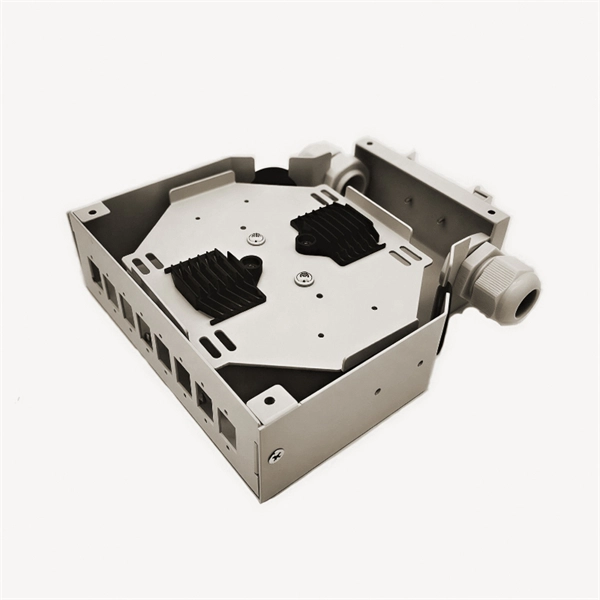
Two-tier and three-tier switch architectures
Two-tier and three-tier switch architectures When structuring the logical architecture of an enterprise network, decisive factors
Layer 2 and Layer 3 Managed Switches: The "Task Allocators" and
The choice between Layer 2 and Layer 3 managed switches essentially involves balancing "efficiency" and
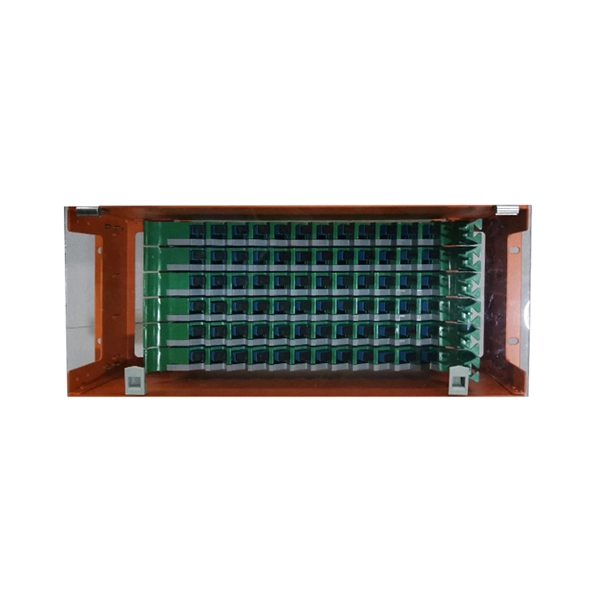
Understanding the Differences Between Layer 2 and Layer 3 Switches
This article aims to bring clarity surrounding the issue of which type of switch is most appropriate for varying
Related Resources
- Photovoltaic Data Center Solutions
- Price of Standard Size Wall-Mounted Distribution Boxes
- Vanuatu sells 288-core fiber optic cable
- Does the Xiaomi Router Pro support 200Mbps fiber optic internet
- New ODN Optical Distribution Network Imported from Mali
- Are there silver deposits in fiber optic cables for iron towers
- Revit cable tray fittings are colorless
- Circuit Design Distribution Box
- Four-in-one optical distribution box access
- Terminal Box ST-SC
- Optical power of the optical cable trunk