Article Overview
If your device connects to a fiber optic router but has no internet, the issue is often due to router, converter, or network configuration problems, which can usually be resolved with systematic troubleshooting.
Check Hardware and Connections
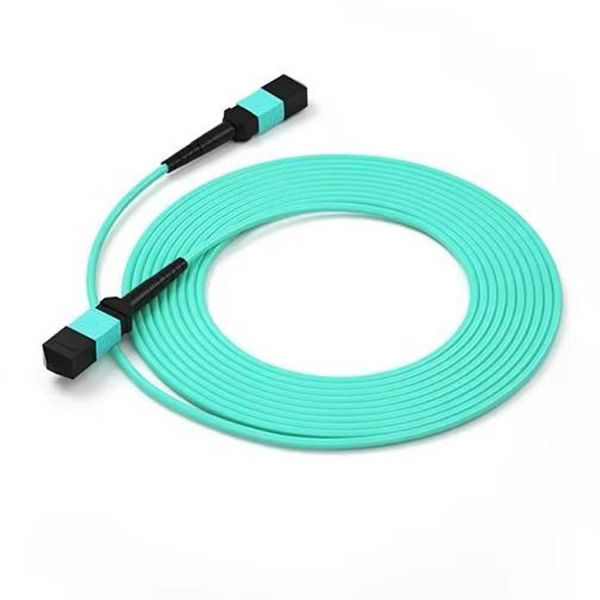
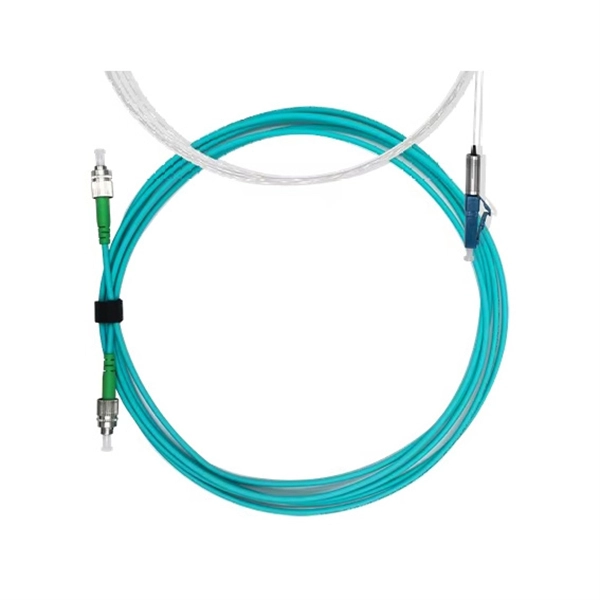
Ensure all cables are securely connected: the fiber wall box to the GPON converter, and the converter to your router. Inspect the fiber patch cord for bends or damage, as fiber cables are delicate and can disrupt the signal if mishandled . Verify that the LAN cable from the router's WAN port to the converter or wall socket is properly seated . Check the indicator lights on your router and converter; a solid or blinking green light usually indicates proper connectivity, while yellow or red may signal a problem .
Restart Your Equipment
Power-cycle your network devices. Turn off your personal router, the ISP's modem/router, and the GPON converter. Wait at least 10–30 seconds, then turn them back on, allowing 2–5 minutes for all devices to boot and establish a connection . This clears temporary glitches and refreshes the connection to your ISP.
Verify Network Settings
On your device, ensure you are connected to the correct Wi-Fi network with the right password. If your device previously connected to another network, forget the network and reconnect as a new device . Check whether you are on the 2.4 GHz or 5 GHz band; some devices perform better on 2.4 GHz, especially at longer distances . Resetting network settings on your device can also help establish a fresh connection.
Advanced Troubleshooting
If restarting and checking connections do not work, try swapping LAN cables between the router and converter to rule out a faulty cable . Updating your router's firmware or adjusting DNS settings may resolve configuration issues . If only one device is affected, the problem is likely with that device rather than the network .
Check ISP Status
Sometimes the issue is with your Internet Service Provider. Visit your ISP's website or social media pages for outage updates, or contact their support to confirm service status . If the ISP confirms no outage, the problem is likely local to your home network.
Summary
- Inspect and secure all fiber and LAN connections.
- Power-cycle the GPON converter, ISP modem/router, and your personal router.
- Verify Wi-Fi network, password, and frequency band.
- Reset network settings or forget and reconnect to the network.
- Swap cables, update firmware, or adjust DNS if needed.
- Contact your ISP if the problem persists. Following these steps resolves most “connected but no internet” issues with fiber optic setups .
Fiber Optic Cable to Router: Step-by-Step Guide
Master the process of connecting a fiber optic cable to your router. Dive into preparation tips, setup instructions, and configuration
What You Need to Install Fiber-Optic Internet
Let''s take a closer look at each one. Locate your fiber network terminal In order to install your own fiber internet, you
Fiber ONT Troubleshooting
Don''t let optical network terminal (ONT) problems disrupt your fiber-optic experience. At BroadbandSearch, we
Four reasons your fibre internet could be slow
This compares to traditional broadband internet, which relies on “fibre to the cabinet”,
Complete Guide to Fiber Optic Home Networking | BroadbandSearch
Step 5: Choosing the Right Router for Your Fiber Plan Your router''s WAN (internet) port is the physical connection
No Internet Connection
No Internet Connection Learn about ways to solve common Internet connection issues. Use our Guided Solutions Tool to quickly find
TP-Link Router Not Connecting to Internet?
Is your TP-Link router not connecting to the internet? Learn how to troubleshoot and fix the issue by checking your IP
Fix Fiber Issues Fast: Your Ultimate HomeLinkd Guide
Next, we''ll explore some common issues faced by users on a fiber optic network and discuss practical solutions to help you regain
internet/fiber-optic-no-wired-internet
Fiber Internet: Computer plugged into my router can''t connect to internet Let''s check for the simplest problems first. You have a
Router Connected But No Internet Fix: Practical Solutions
If your router shows it''s connected but you can''t access the internet, don''t panic—this is a common issue with simple
Question
Hi, when I connect my ethernet cable through my fiber modem I have no internet access, but when I connect the cable
How to Connect a Fiber Optic Cable to a Router
Connect fiber internet correctly. Learn the essential hardware bridge and sequential steps needed to link the optical
Fiber Network Troubleshooting – Common Issues & Fixes
Fiber optic networks are celebrated for their speed and reliability, but even the best systems can encounter problems.
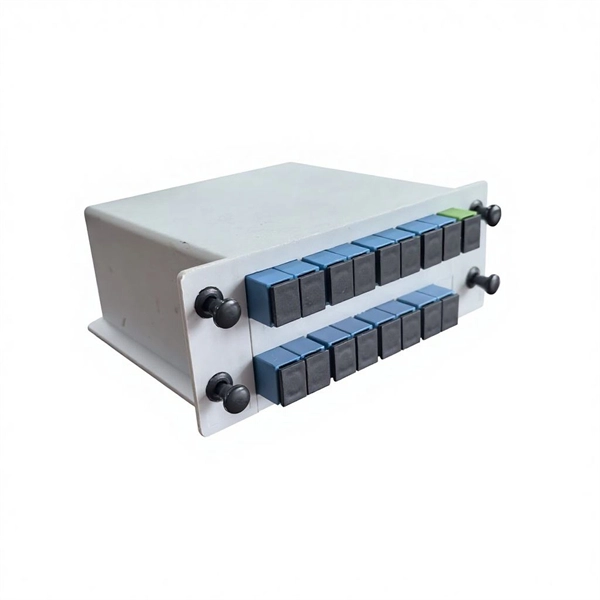
How to Connect Fiber Optic Cable to Router? Easy Fiber Optic
Internet Setup: Most routers handle automatic configuration, but you might need to
Best routers for fiber internet 2025: our top picks for fast broadband
If you are looking for a new fiber internet router, then you should check our round-up of some of the best routers right
Fiber Troubleshooting | CenturyLink
Fiber internet equipment A fiber internet connection requires the use of some specialized equipment: optical network terminal (ONT),
5 Reasons Why Your Internet Keeps Disconnecting and
We go deeper into each of these potential internet issues and how you can fix them further
Optimize Fiber Internet Speed
Optimize your fiber-optic internet with tips on hardware, router placement, and troubleshooting for top speeds.
Fiber ONT Troubleshooting
Optical Network Terminal (ONT) troubleshooting guide: Tackling common glitches, step-by-step fixes, and preventive
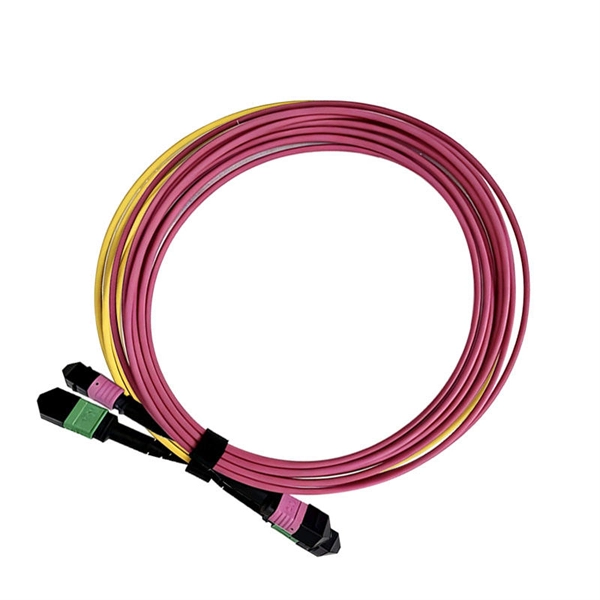
Understanding Common Fiber Internet Problems and
Introduction to Fiber Optic Networks Fiber optic networks have transformed the landscape of internet
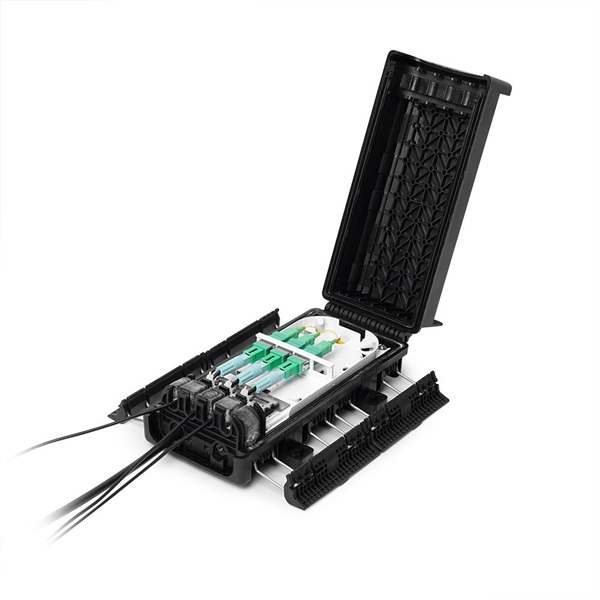
Why Is My Fiber Internet Not Working?
The most common reasons why your fiber internet is not working include issues with your router, the ONT (Optical
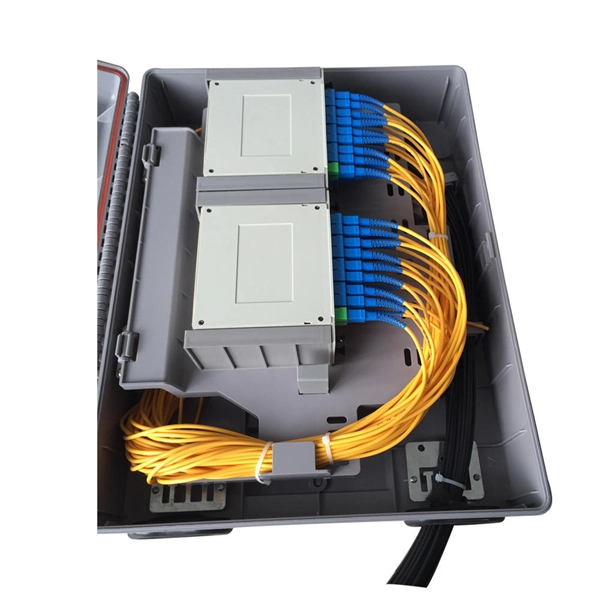
How to Connect Fiber Optic Cable to Router: A Step-by-Step Guide
Check for internet access: Connect a device to your router via Wi-Fi or Ethernet. Run a speed test: Use tools like
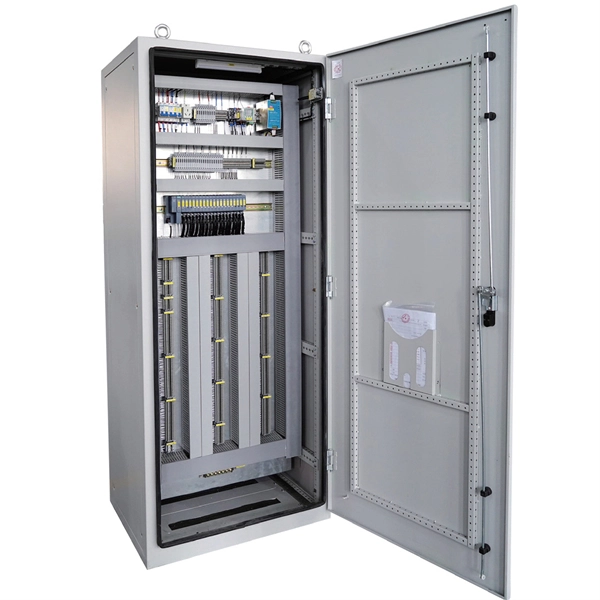
How To Connect Fiber Optic Cable To Router?
Connecting a fiber optic cable to a router involves a few key steps and specialized equipment. Here''s a simple guide
Wi-Fi problems? Here''s how to diagnose your router issues
Get to the root of your Wi-Fi problems with these simple steps. They range from small tweaks to your existing router
The Ultimate Fiber Troubleshooting Bible for Beginners 2025
Solve fiber troubleshooting issues fast with step-by-step tips for beginners. Keep your fiber optic network reliable and
No Internet Connection? How to Troubleshoot Internet Issues
Learn how to troubleshoot fiber networks. Identify common issues like high loss, dirty connectors, and signal drops,
TP Link Router with Fiber Optic
I finally got fiber optic internet today and everything is working like a charm. The technician basically handed me a Cat
How to Connect Fiber Optic Cable to Router: Complete Guide 2025
The difference between a properly installed fiber connection and a hasty setup can be measured in hundreds of
Do You Need a Modem for Fiber Internet? | BroadbandSearch
Unsure if you need a modem for fiber internet? Here''s everything you need to know to ensure you get the right
Broadband Internet Repair: 100% Solid Tips | Dong
Broadband Internet Troubleshooting: The A-B-C simple steps Every network is different, but
Solved
With both the Router and Ubuntu Server, their over-the-phone technician said he could see my devices authenticating
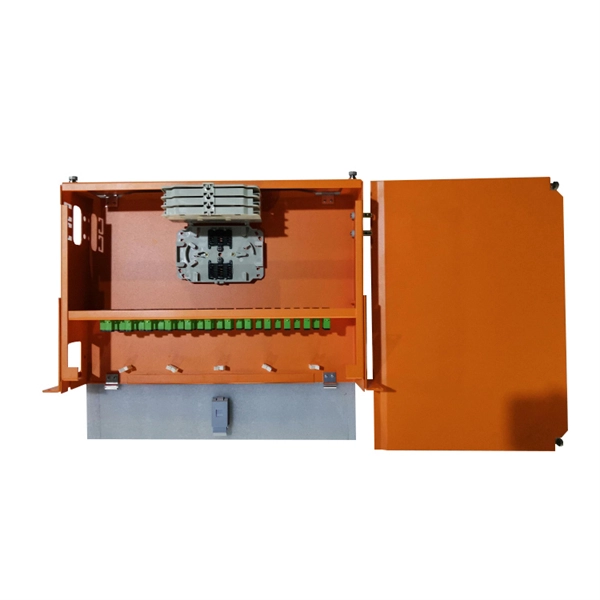
How is Fiber Internet Installed? Everything You Need to
Explore how fiber optic internet is installed in your home, with step-by-step details on cables,
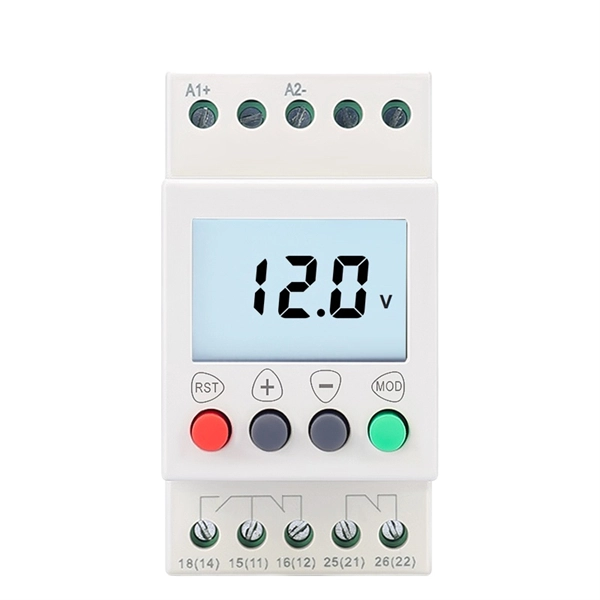
WiFi Connected No Internet Fiber Fix
If you have a fiber optic connection, this guide will help you solve it quickly. I''ll show you the common setup and the steps that fix the
Fiber Optic Troubleshooting: Expert Guide for Common Issues
Troubleshoot fiber optic issues like a pro with our expert guide. Resolve common problems and ensure seamless
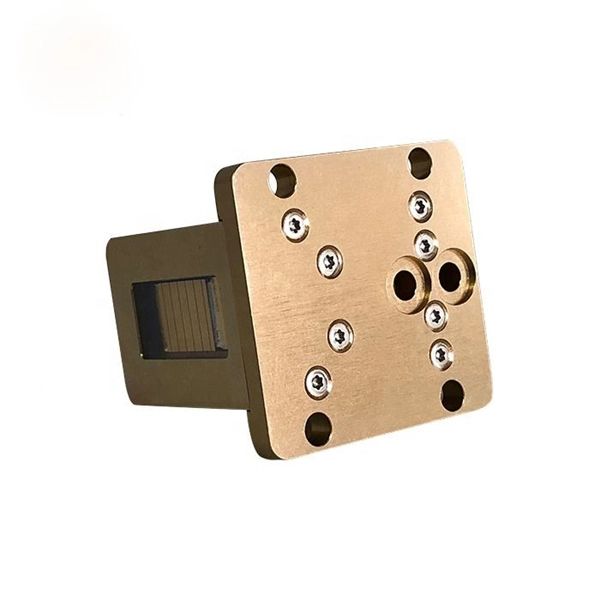
ONT Meaning: What Is an Optical Network Terminal?
What Is an ONT? ONT stands for Optical Network Terminal. It''s the device that: Connects directly to a fiber optic line run by your
What Do You Do When Fiber Optic Internet Isn''t Available or Practical
Fiber optic internet is known for delivering blazing high-speed connectivity through strands of glass or plastic that
Related Resources
- Cable tray hanger deviation
- Redundant Gateways from Core Switches
- Price List of Fire Cable Trays in China
- View domain ID of fiber optic switch
- Telecom Chassis Disassembly Diagram
- Price of fiber optic cable splice cassette
- Burundi Professional Explosion-Proof Distribution Box
- Nepal Lighting UPS Power Supply System
- How could fiber optic cables be electrified
- Columbia Warranty Fiber Ethernet Switch 25G
- Does silicon photonics chip technology have Armenian technology
- Quotation for U-shaped steel cable tray production
- 4-in-1 OTDR Optical Power Meter
- How to remove the fiber optic tray
- Installation of Smart Distribution Cabinets in Finland
- Ecuadorian Lighting Distribution Box
- Schematic diagram of integrated power supply equipment
- Fiber optic LC interface emits red light
- Czech lighting distribution box wiring price
- Direct supply from Swedish passive optical component manufacturer
- PoE powered AC switch