Article Overview
Signals can be transmitted and received from a terminal box by properly connecting input/output devices, using appropriate transceivers or signal generators, and ensuring correct wiring, grounding, and shielding.
Understanding the Terminal Box
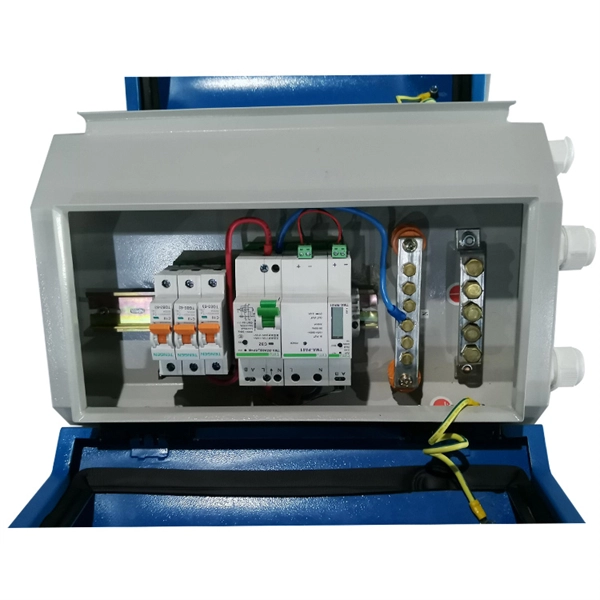
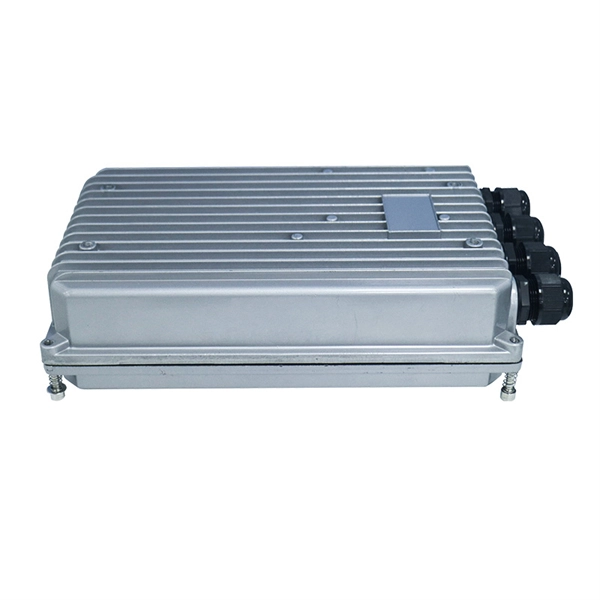
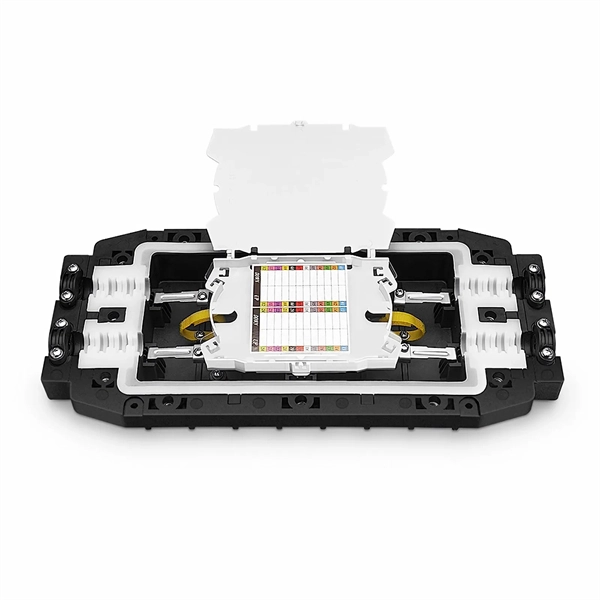
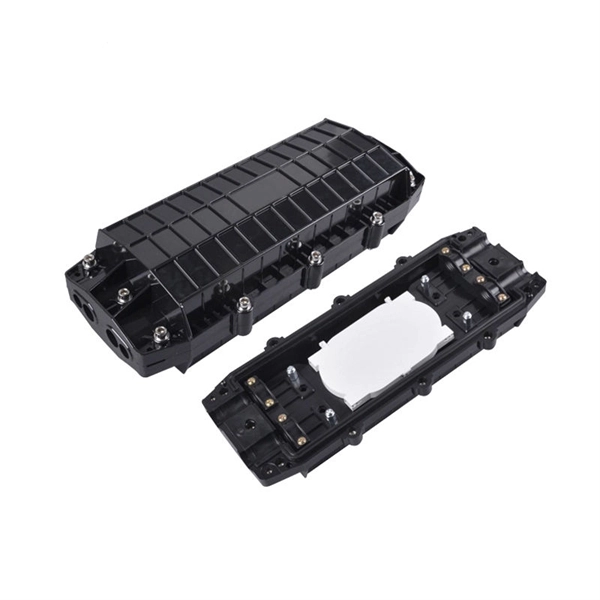
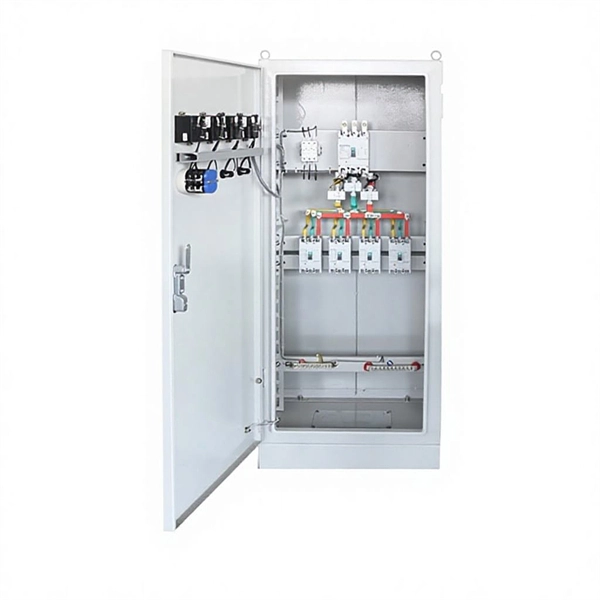
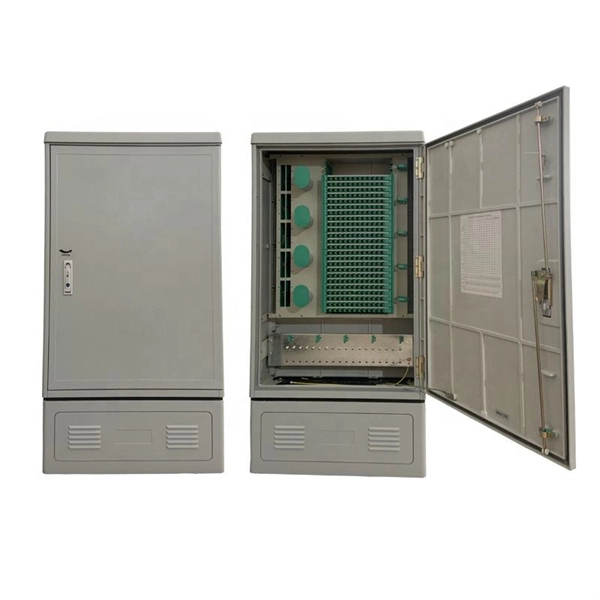
A terminal box serves as a centralized point for connecting multiple cables and devices, protecting delicate connections, and organizing signal distribution. In fiber optic systems, it safeguards fragile fibers from physical stress, moisture, dust, and temperature fluctuations while maintaining signal integrity . In industrial systems like Safety Instrumented Systems (SIS), terminal boxes simplify wiring, distribute signals efficiently, and allow for system expansion . Proper grounding and shielding are essential to prevent electromagnetic interference (EMI) and ensure reliable communication .
Equipment for Signal Transmission
- Signal Generator: Produces the desired signal with configurable frequency, amplitude, and waveform. Connect the generator output to the terminal box or the device connected to it .
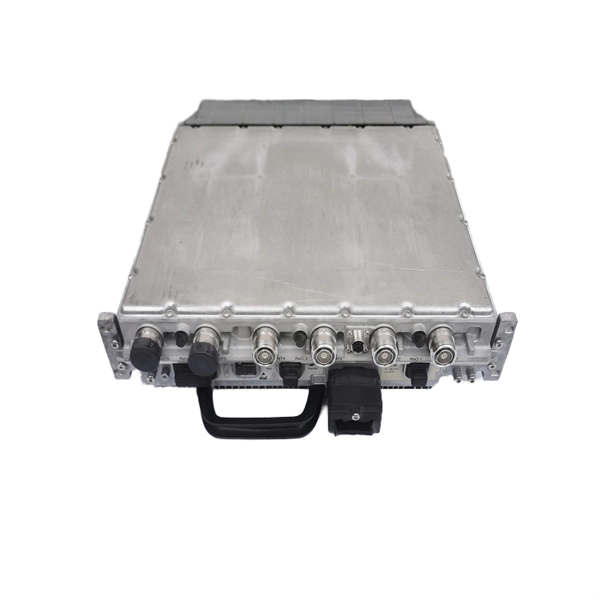
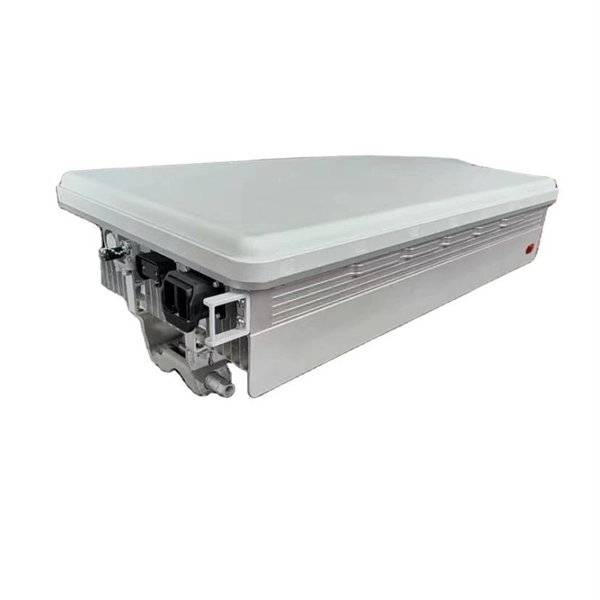
- Transceivers or Receivers: Use a receiving antenna or input device connected to the terminal box. The receiver converts the incoming signal into a usable form, often requiring demodulation or decoding .
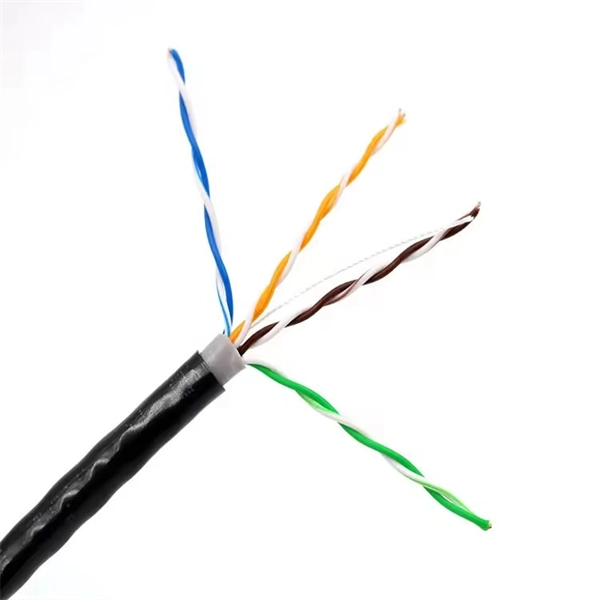
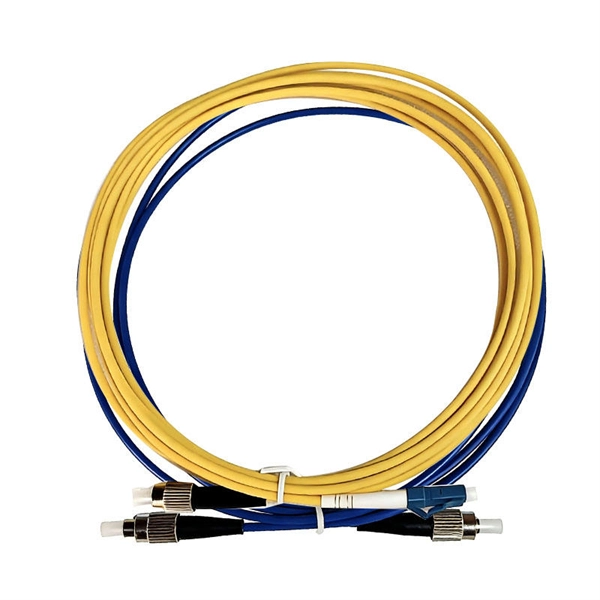
- Cabling and Connectors: Ensure high-quality shielded cables and connectors are used to maintain signal integrity, especially in fiber optic or high-frequency applications .
Steps to Transmit Signals
- Connect the signal generator or transmitter to the terminal box output port.
- Configure the generator for the correct frequency, waveform, and amplitude.
- Ensure proper matching between transmitter power and receiver sensitivity to avoid signal loss .
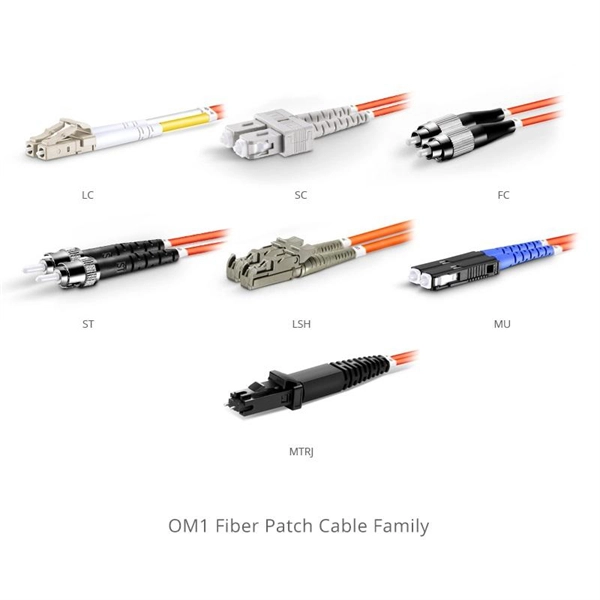
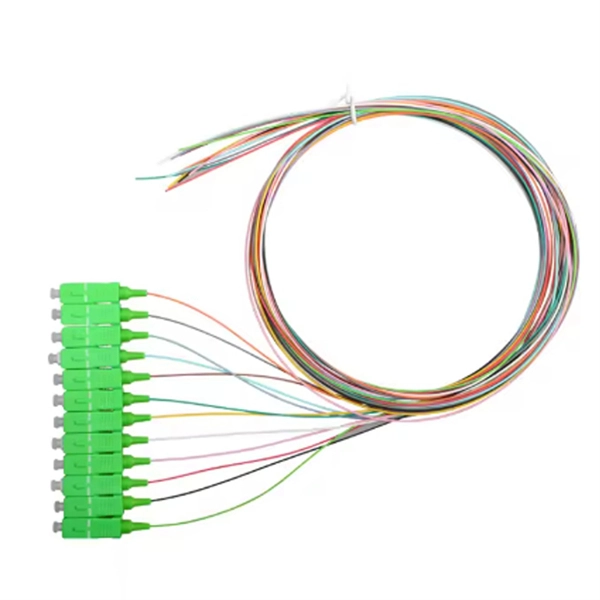
- For fiber optic systems, use fiber adapters and splices inside the terminal box to maintain alignment and minimize loss .
Steps to Receive Signals
- Connect the receiver or transceiver to the terminal box input port.
- Use the appropriate antenna or fiber connection depending on the signal type.
- Set the receiver to the correct frequency or wavelength and apply necessary demodulation or decoding techniques .
- Verify signal integrity and troubleshoot using organized cable management and labeled connections inside the terminal box .
Best Practices
- Maintain organized wiring and label all connections for easy troubleshooting.
- Implement redundancy in critical systems to ensure continuous operation .
- Use shielded and grounded cables to reduce EMI and signal degradation .
- Regularly inspect and maintain terminal boxes to prevent environmental damage and ensure consistent signal quality . By following these steps and using the appropriate equipment, signals can be reliably transmitted and received through a terminal box, whether in fiber optic networks or industrial control systems.
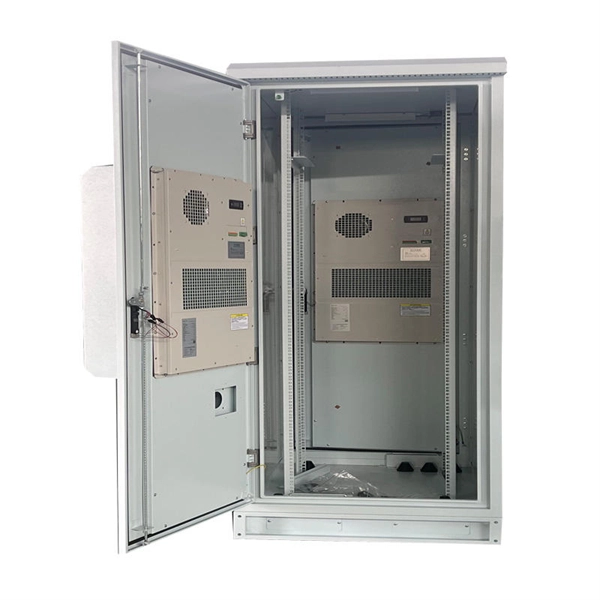
Electronic Data Communication
Communication Systems Communication systems consists of a transmitter, communication channel or medium, and
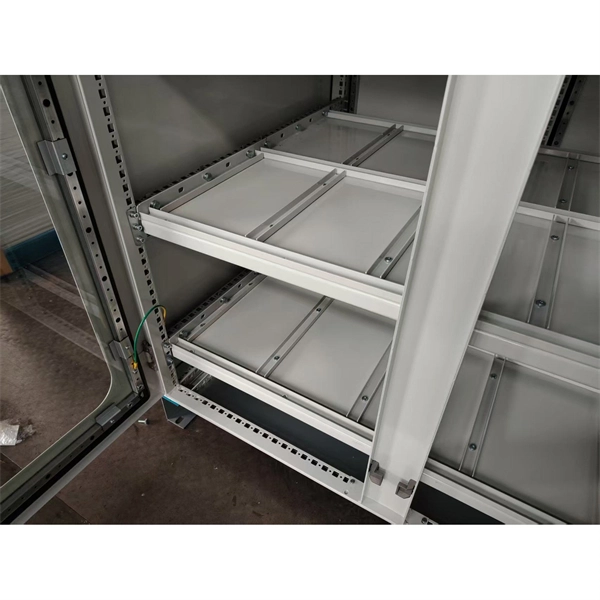
PLC Wiring: From Field Instrument to System Cabinet
A PLC connection shows how signals travel step-by-step—from the field transmitters, through the junction box and
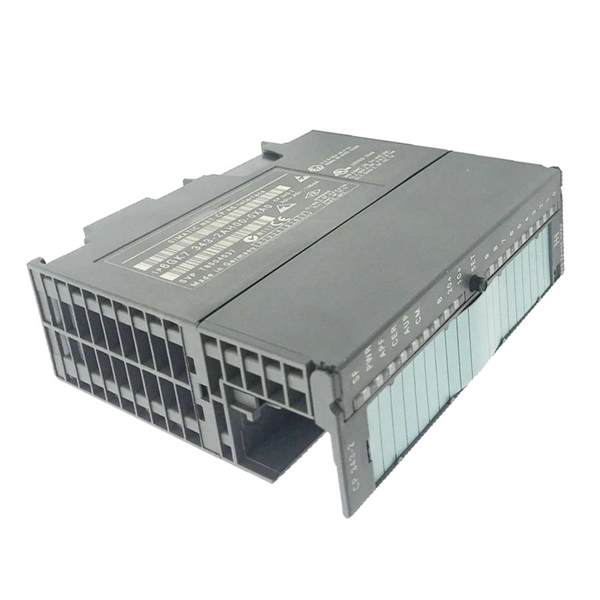
Serial Terminal Basics
In this tutorial we will discuss what a terminal is, which terminal programs are best suited for certain situations and operating
Sending and Receiving Messages
Sending and Receiving Messages How do we know if we hurt our foot? The way the brain receives information like this is explained
Utilizing Transmit/Receive Switches Effectively | DigiKey
How to implement transmit /receive switches to rapidly and safely connect transmitters and
How to Transmit and Receive Signals
By setting the correct receive frequency and using appropriate demodulation or decoding techniques, the receiver
Neural Communication | Introduction to Psychology – Lindh
If the signals received from other neurons are sufficiently strong, an action potential will travel down the length of the axon to the
VSAT (Very Small Aperture Terminal)
This Earth Station is designed in a way such that the signals are transmitted and received with the help of satellites.
Receive Antenna
A high gain is achieved by increasing the aperture area, A, of the antenna. Antennas obey reciprocity; the transmit gain and receive

35.2 How Neurons Communicate
For the nervous system to function, neurons must be able to send and receive signals. These signals are possible because each
Electrical Signal and Control Wiring
There is much to be said for neatness of assembly in electrical signal wiring. Even though the electrons don''t “care” how neatly the
How Are RF Signals Transmitted? Let''s Talk Equipment
The receiver takes the signal that it received from the antenna and translates the modulated signals and passes them
How Antennas Work: Transmission and Reception of Signals
Explore how antennas are built, how they transmit and receive signals, and the key components that enhance their
Understanding Signal Transmission Basics and Key
Explore basic concepts and principles of signal transmission in simple, easy-to-understand
Transceivers
Transceivers are mechanical devices that combine a radio transmitter and a radio receiver. It can both transmit and
Understanding Transmitting and Receiving in Communication Systems
In any communication system, the functions of transmitting and receiving are fundamental to successfully convey information from
Serial Programming/RS-232 Connections
The simplest connection in common usage contains three wires: transmit (tx), receive (rx),
Serial Terminal Basics
Serial Terminal Overview COM ports. Baud rate. Flow control. Tx. Rx. These are all words that get thrown around a lot when working
Implementing UART receive and transmit functions on an STM32
UART is a communication protocol that enables the user to send data asynchronously through transmit (Tx) and
Sending Information: Synapses and Neurotransmission
Neurons pass information to each other in a process called neurotransmission. Signals are passed from one neuron
Signal transmission
Signal transmission is the process of transferring information from one point to another, through different communication systems.
Text-Terminal-HOWTO: Physical Connection
12. Physical Connection 12.1 Introduction A terminal may be connected to its host computer either by a direct cable connection, via a
Serial Programming/RS-232 Connections
One practical way of doing this is to add a "loopback" connector to the terminal device, like a
layer1
This means that each signal requires its own two wires. What do the positive and negative (+/-) transmit and receive
communication
I think I have that well handled. I''ve used Broadcom optical transmitter/receiver to send TTL signal from a pulse
How do antennas and transmitters work?
An easy-to-follow explanation of how antennas transmit or receive radio waves and the
26.2 How Neurons Communicate
The neuron transmitting the signal is called the presynaptic neuron, and the neuron receiving the signal is
Understanding Tx and Rx: A Beginner''s Guide to Communication Terms
These signals are then sent over a medium, which could be wired, like copper cables or fibre optics, or wireless, like
Understanding Tx and Rx: A Beginner''s Guide to Communication Terms
In the world of communication and technology, the terms “Tx” and “Rx” often pop up, especially when discussing
RS-232
Because transmit data and receive data are separate circuits, the interface can operate in a full duplex manner, supporting
Feasibility and Standard Requirements for Using
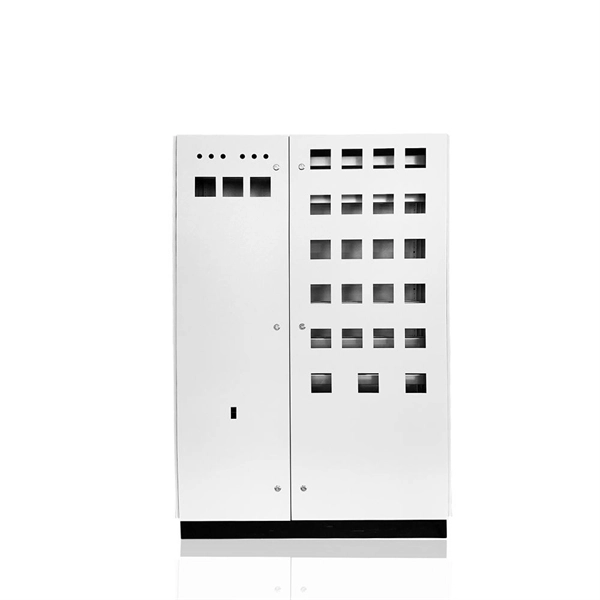
1. Function of Terminal Boxes in SIS Systems In the wiring process of Safety Instrumented Systems (SIS),
RS-232
RS-232 devices may be classified as Data Terminal Equipment (DTE) or Data Circuit-terminating Equipment (DCE); this defines at
Universal Asynchronous Receiver-Transmitter (UART)
The transmitter collects data from a source, formats it into serial bits, and sends it via a TX (Transmit) pin. The receiver
Universal asynchronous receiver-transmitter
Since full-duplex operation requires characters to be sent and received at the same time, UARTs use two different shift registers for
3 easy steps to understand and control your RS232 devices
This article will explain the following topics in details: 1) Step 1: Understand RS232 Connection and Signals 2) Step 2: Learn about
STM32 UART Tutorial: Configure & Transmit Data (HAL)
Learn how to configure UART on STM32 using CubeMX and transmit strings and numbers in blocking mode with
Related Resources
- Trunk Optical Cable Installation
- Long-term tensile strength of optical cable
- Full name of provincial trunk optical cable
- Mauritania Positive Pressure Distribution Box Manufacturer
- Price of Andorra Quantum Communication Low Temperature Resistant Fiber Optic Adapter
- MR belongs to fireproof cable trays
- Dense Wavelength Division Multiplexer Remote Monitoring Type and Performance Comparison How to Choose
- Solution for best-selling waterproof fiber optic connectors